SF Order Confirmation
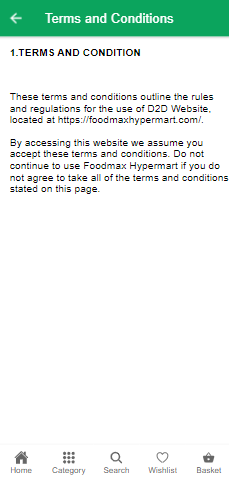
 This feature enables store owners to personalize the content to be displayed to customers on the Contact Us page, Confirmation page, Terms and condition and Privacy policy on the storefront.
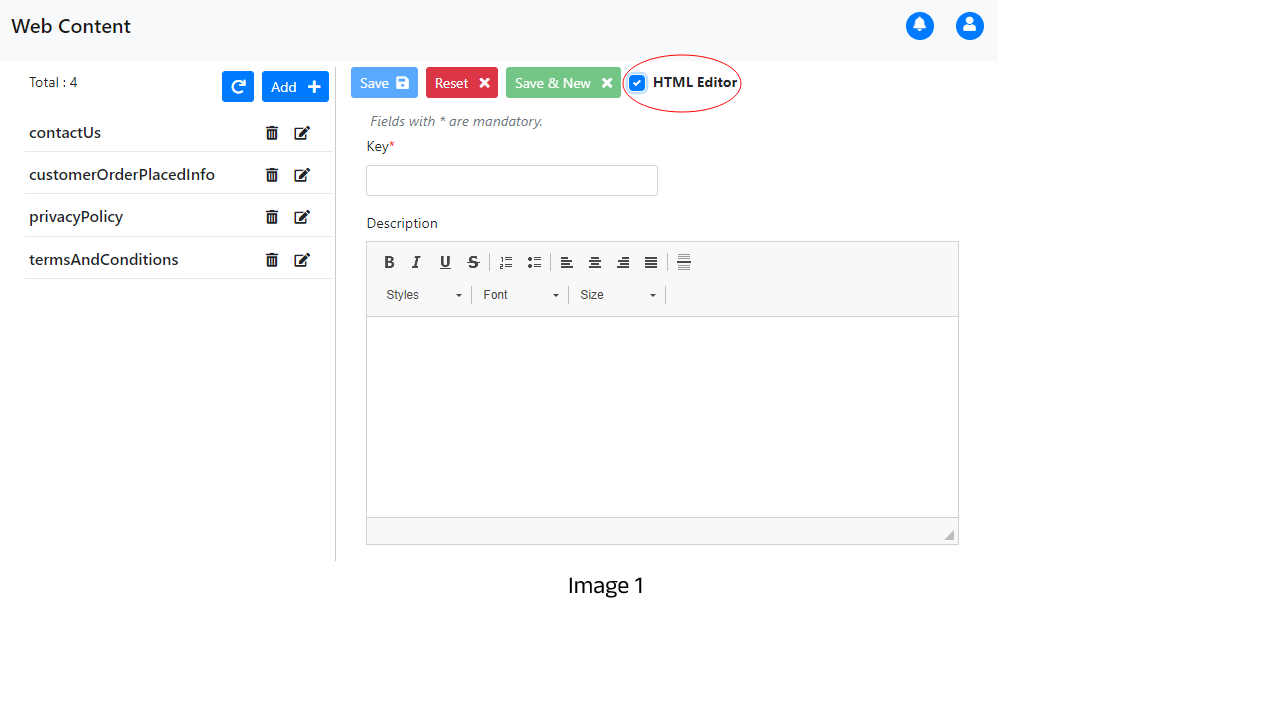
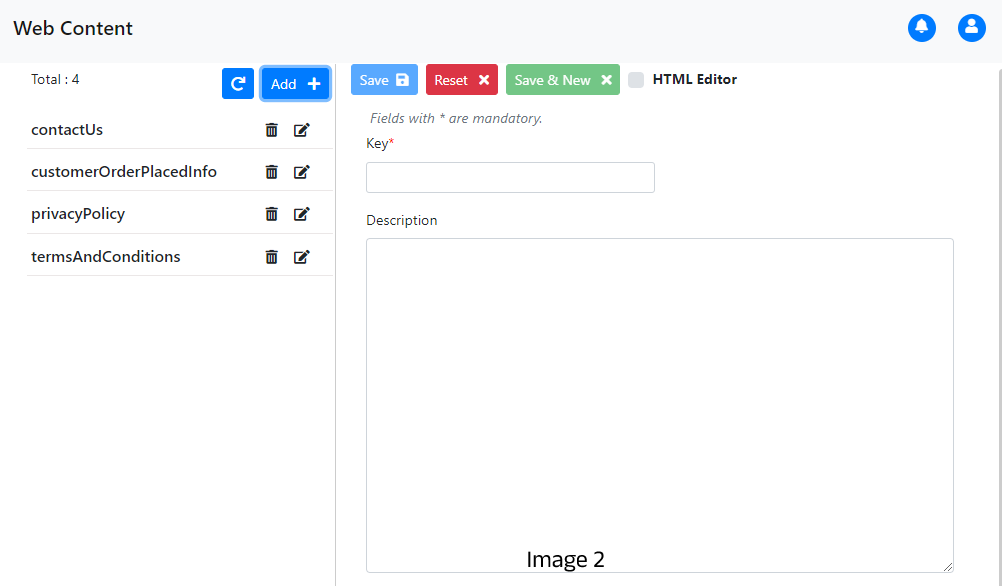
The HTML editor checkbox is initially selected, displaying CKEditor in the Navigator form. If unchecked, CKEditor is replaced with a textarea, allowing users to add images, URLs, and other elements directly.
Web Content Entity details
| No | Field Name | Description |
|---|---|---|
| 1 | Key* | Id of the content |
| 2 | Description | Content to be displayed on storefront |
Available keys in Navigator are listed below
- contactUs
- customerOrderPlacedInfo
- privacyPolicy
- termsAndConditions
contactUs
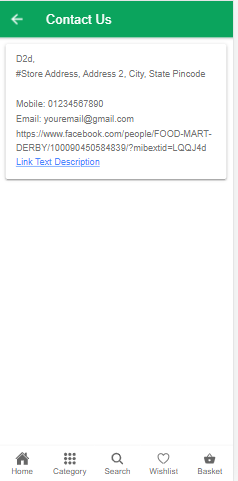
The contact details of the store can be entered by from the Navigator under contactUs .The following shows how customers will view this information.
customerOrderPlacedInfo
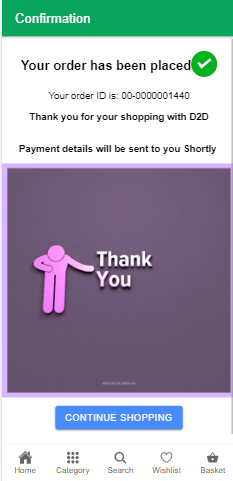
Once the order is being placed by the customer, information about their order like orderId will be displayed on storefront. This information is added from navigator under customerOrderPlacedInfo.
privacyPolicy
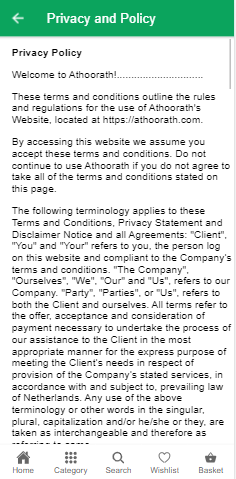
A privacy policy is a document that communicates how a company collects, uses, protects, and manages the personal information of its users or customers. Store owners can add the policies from navigator under the privacyPolicy.
termsAndConditions
Terms and conditions are a set of rules and guidelines that govern the relationship between a company and its customers or users. They outline the rights, responsibilities, and obligations of both parties, covering various aspects such as product usage, payment terms etc. Store owners can add the terms and condition from navigator under the termsAndConditions.